A single index of interactive simulators across Computer Science, Computing, AI, and ICT. Use the filter to find exactly what you need in seconds.
A-levels
4 item(s)
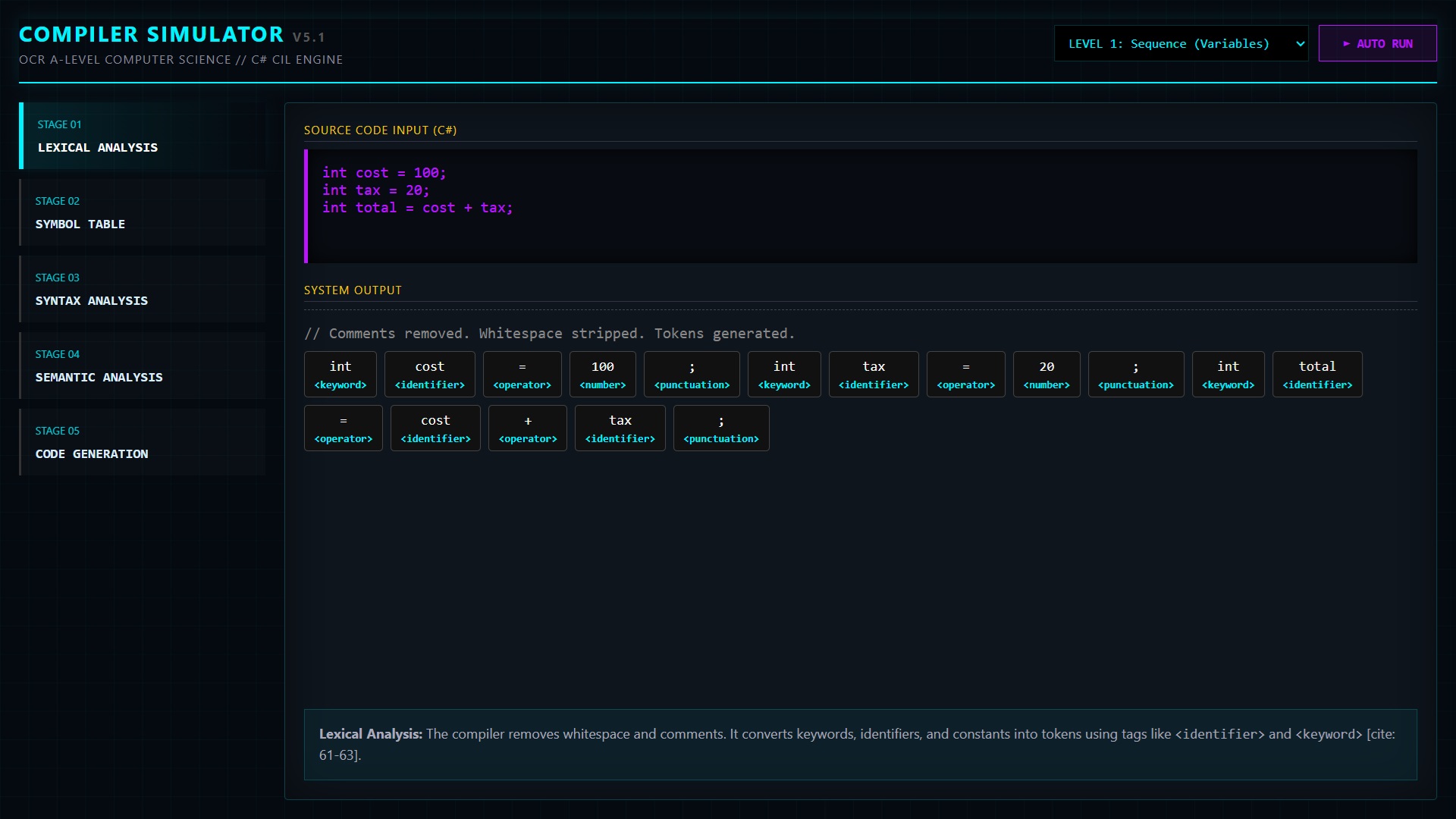
Compiler Lab: C# → CIL Pipeline
An interactive compiler walk-through that steps through lexical analysis, symbol table, syntax analysis, semantic checks, and CIL code generation using simple C# examples (sequence/selection/iteration). Includes stage buttons and an auto-run mode for lesson demos.
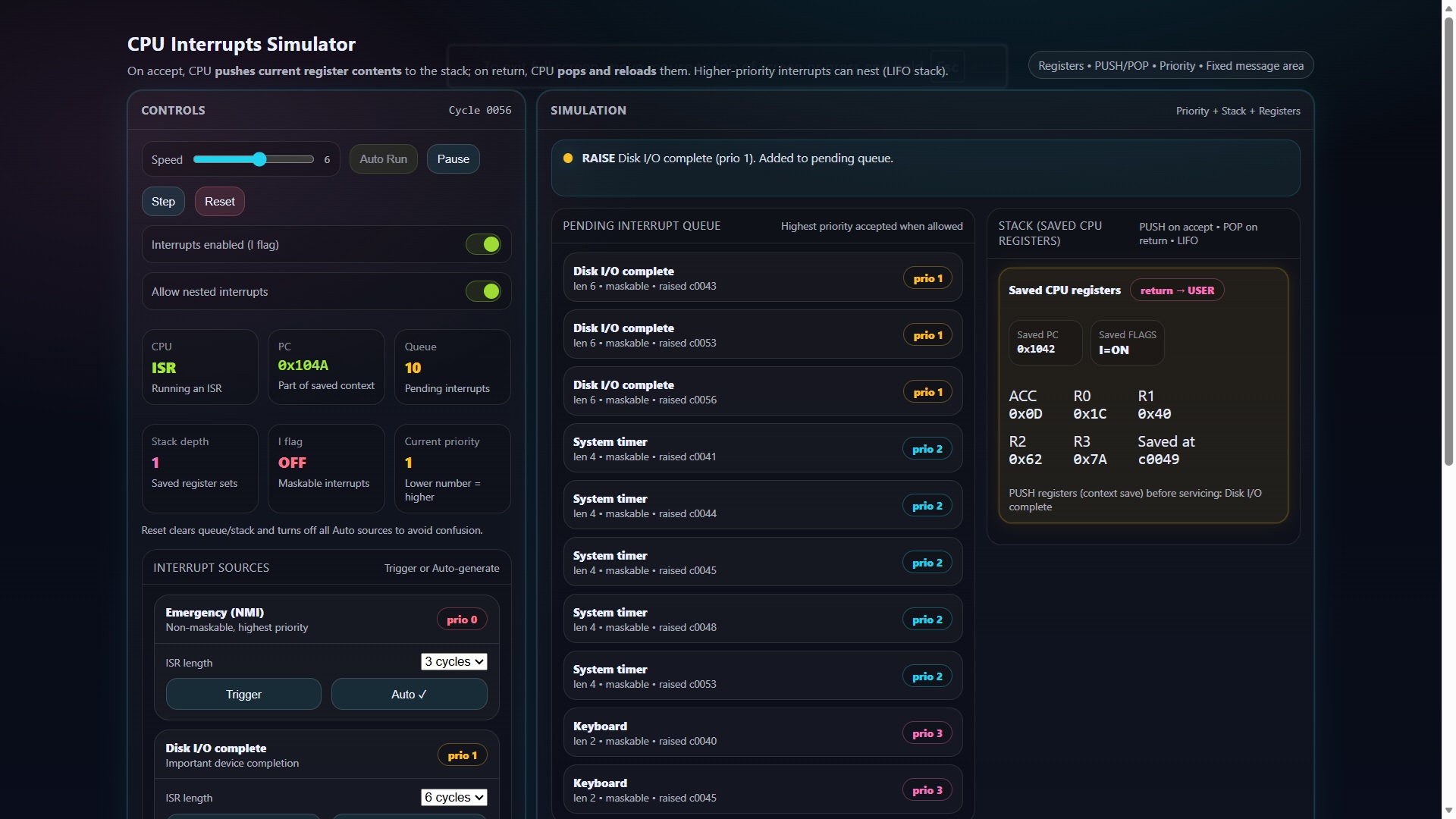
A visual, step-by-step interrupts simulator that shows how the CPU handles interrupt requests, selects by priority, jumps to an ISR, and returns to the main program (including simple stack/register save/restore ideas). Great for explaining responsiveness vs polling in OS/CPU lessons.
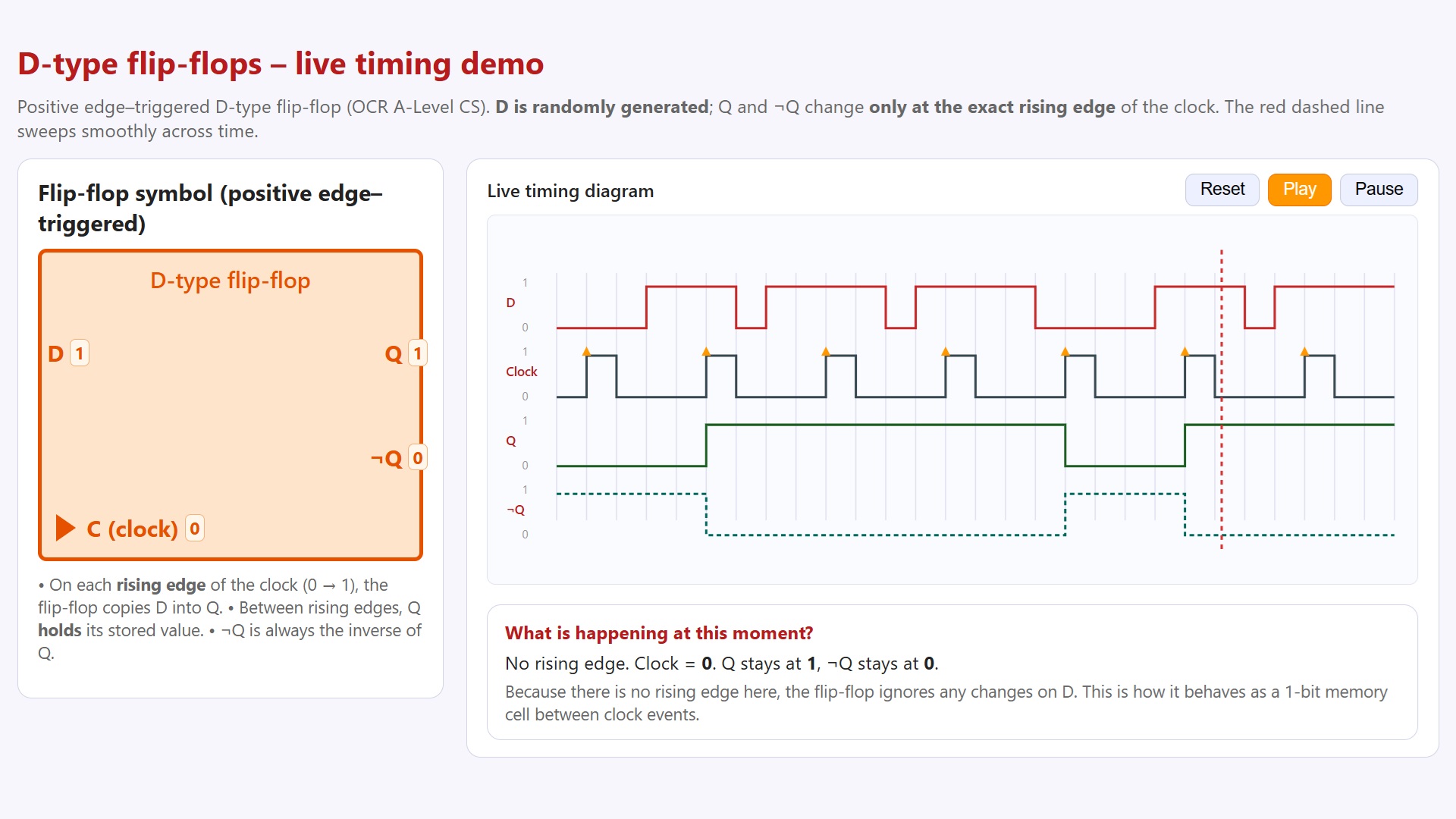
A live D-type flip-flop simulator showing D, Clock, Q, and ¬Q on a scrolling timing diagram. D changes randomly, but Q updates only on the clock’s rising edge, with a sweeping time cursor and simple “what’s happening now” explanation—ideal for OCR A-Level memory/register lessons.
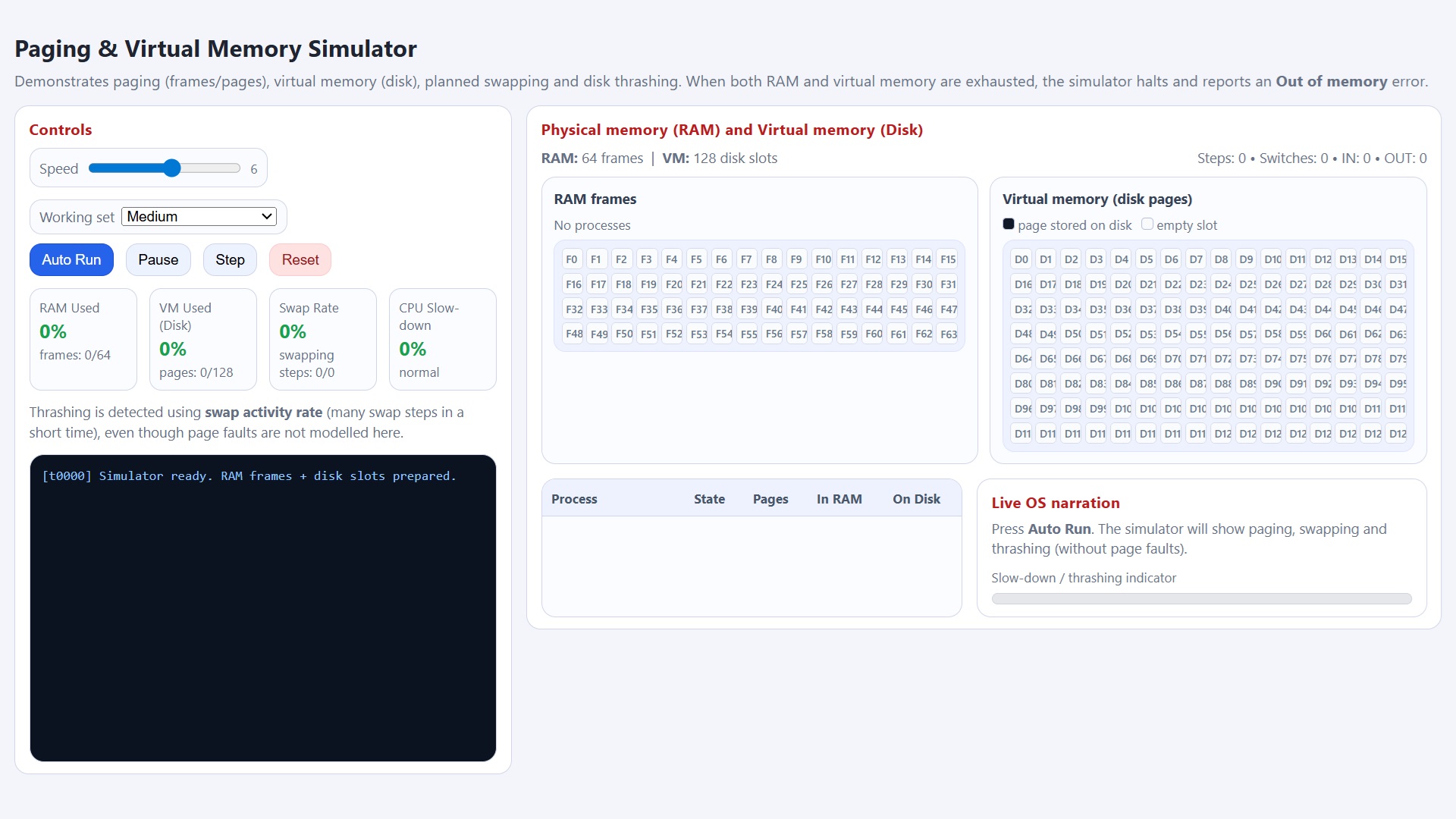
An interactive paging simulator showing how virtual pages map to RAM frames, how the OS swaps pages to disk, and how performance collapses under thrashing. Includes live RAM/VM grids, process table, swap-rate + CPU slow-down indicators, step/auto-run controls, and an “Out of memory” halt when both RAM and disk are exhausted.
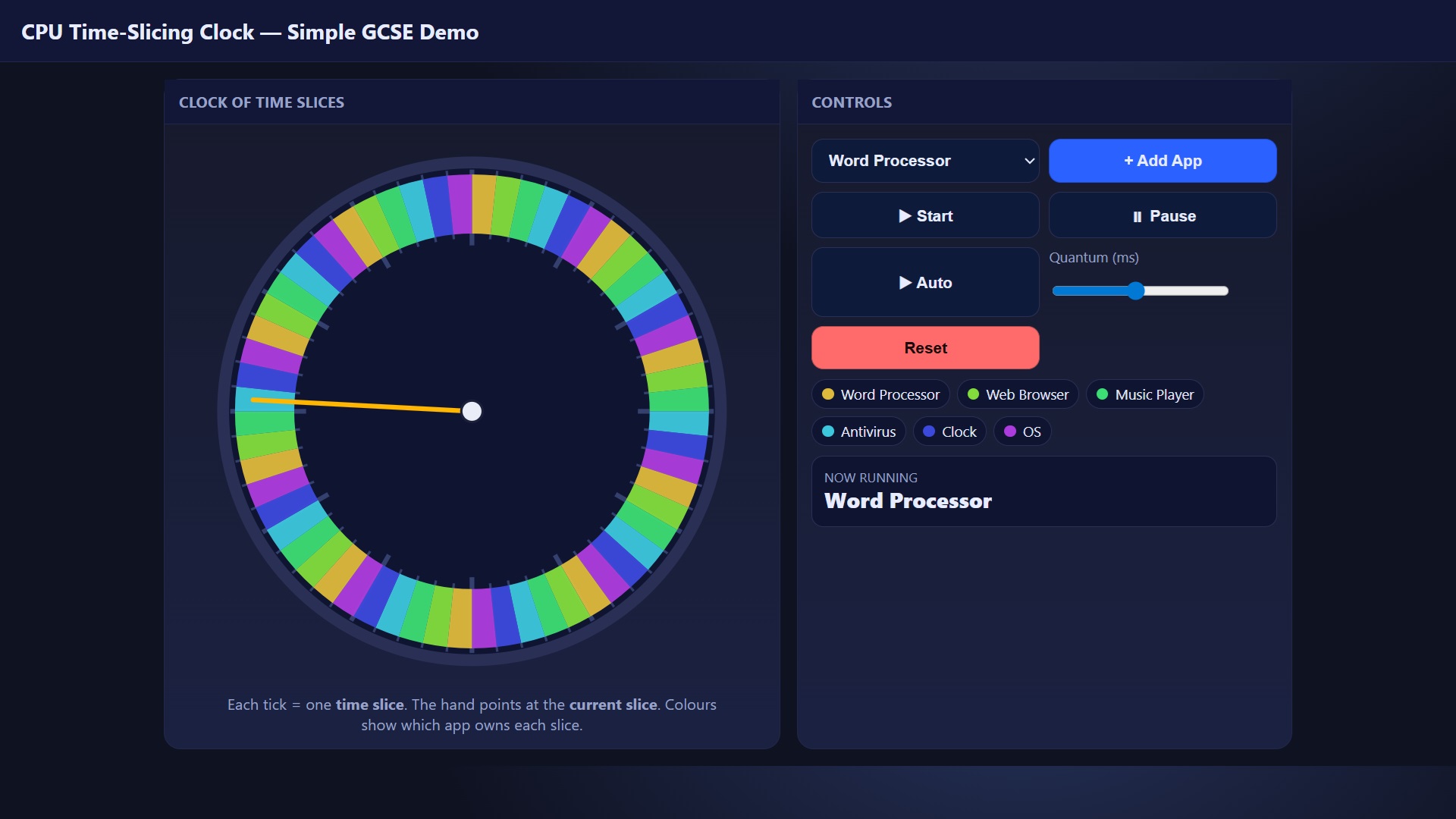
A simple single-core CPU scheduling demo where a clock face is split into fixed time slices. The hand moves slice-by-slice to show the current running app, with coloured segments visualising round-robin allocation. Includes add-app controls, auto mode, and a quantum (ms) slider.
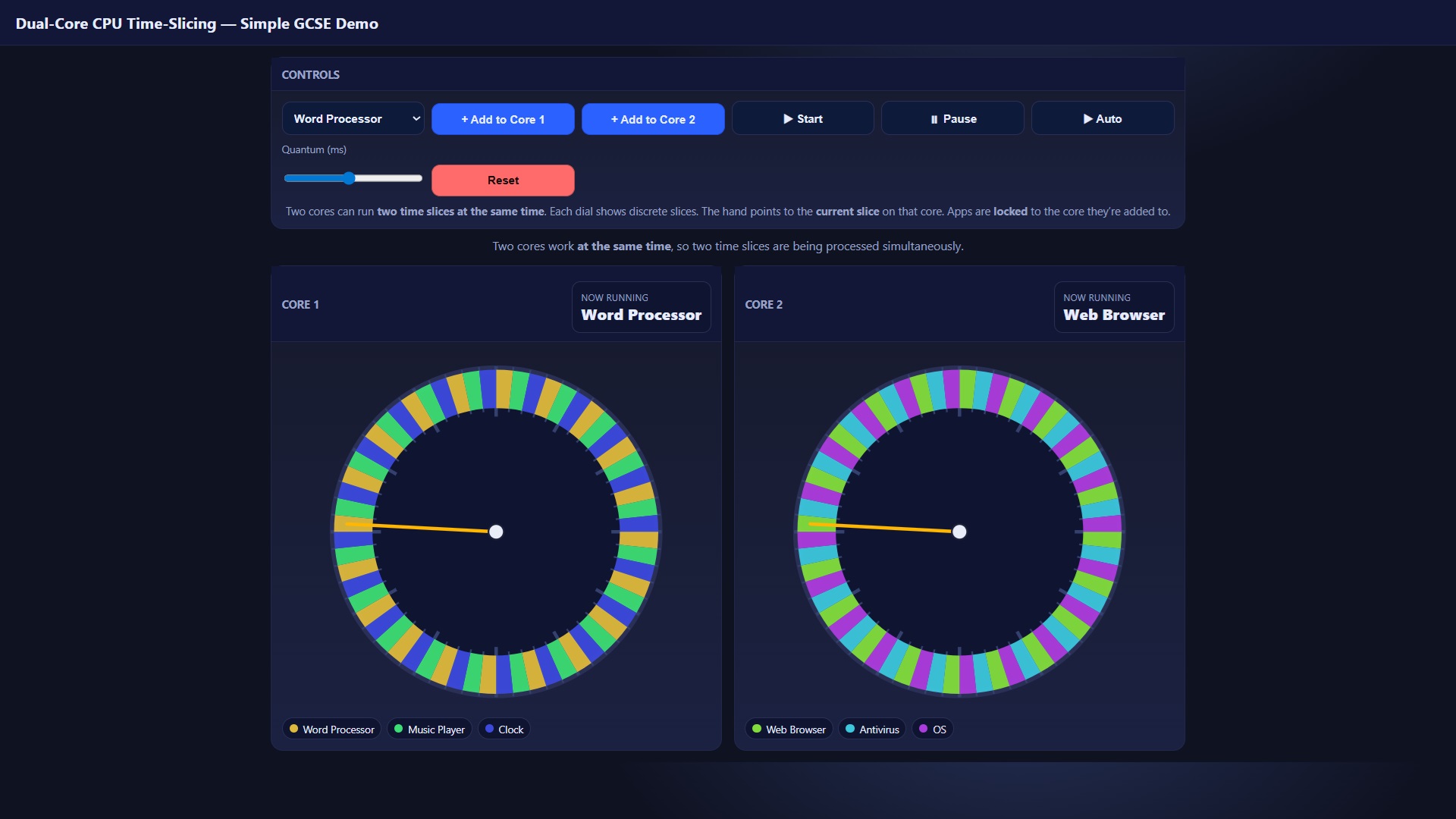
A dual-core scheduling demo that shows two clock dials running at the same time, each with its own round-robin time slices. Students can add apps to Core 1 or Core 2, adjust the quantum (ms), and watch “Now running” update per core to see how dual-core improves throughput.
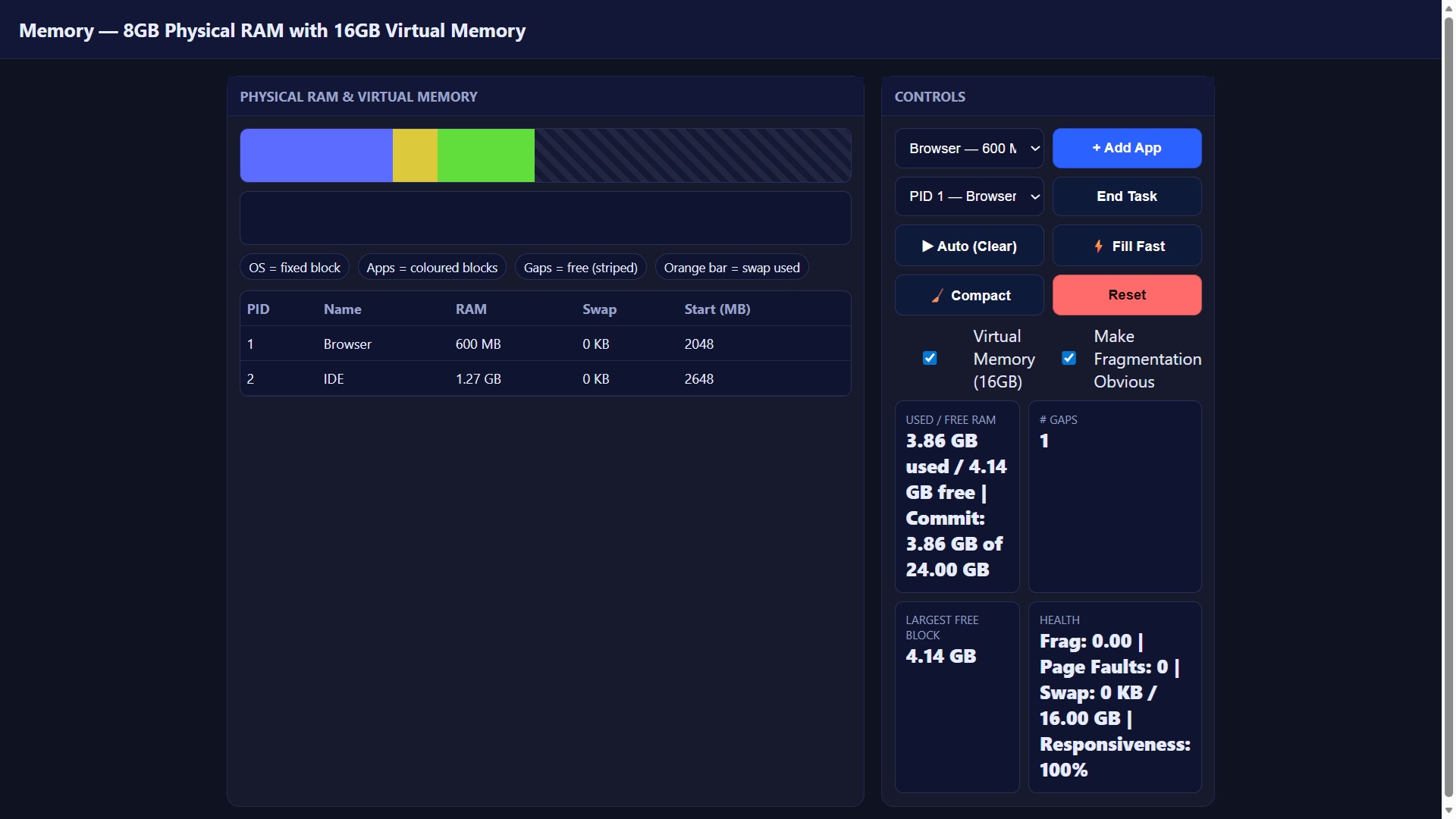
A live memory visualiser for 8GB physical RAM + 16GB virtual memory showing the OS block, running apps, free gaps, and swap usage. Students can add/end tasks, trigger fragmentation, run auto-fill, and use Compact to see how fragmentation affects the largest free block, “health”, and responsiveness—plus a Windows-style Out of memory warning when the commit limit is hit.
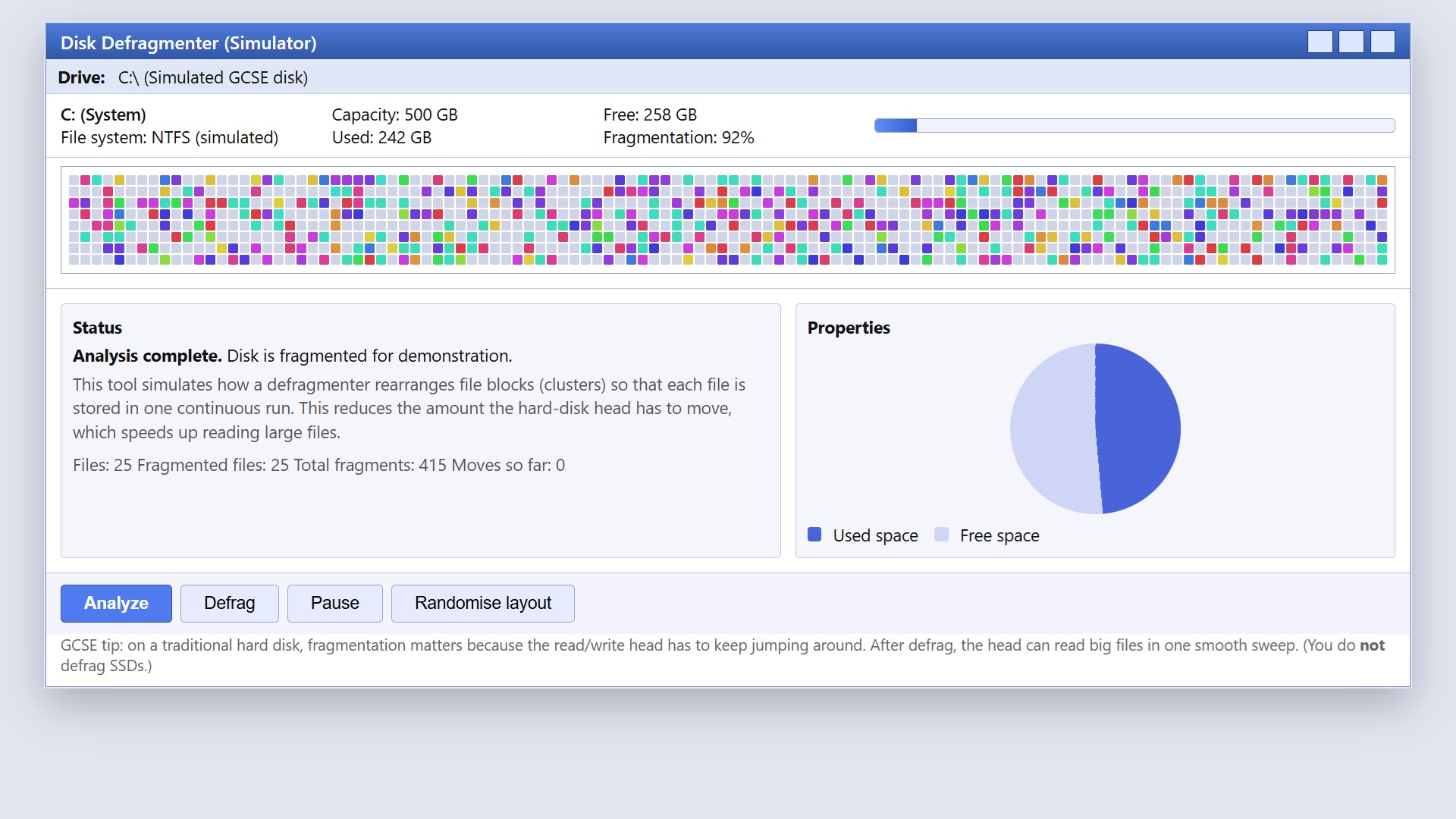
Disk Defragmenter Lab: Fragmentation & Defrag Visualiser
A Windows-style disk defrag simulator where coloured blocks represent file clusters scattered across the disk. Students can Analyse, Defrag (watch clusters move into contiguous runs), Pause, and Randomise to see how fragmentation affects HDD read efficiency—and why you don’t defrag SSDs.
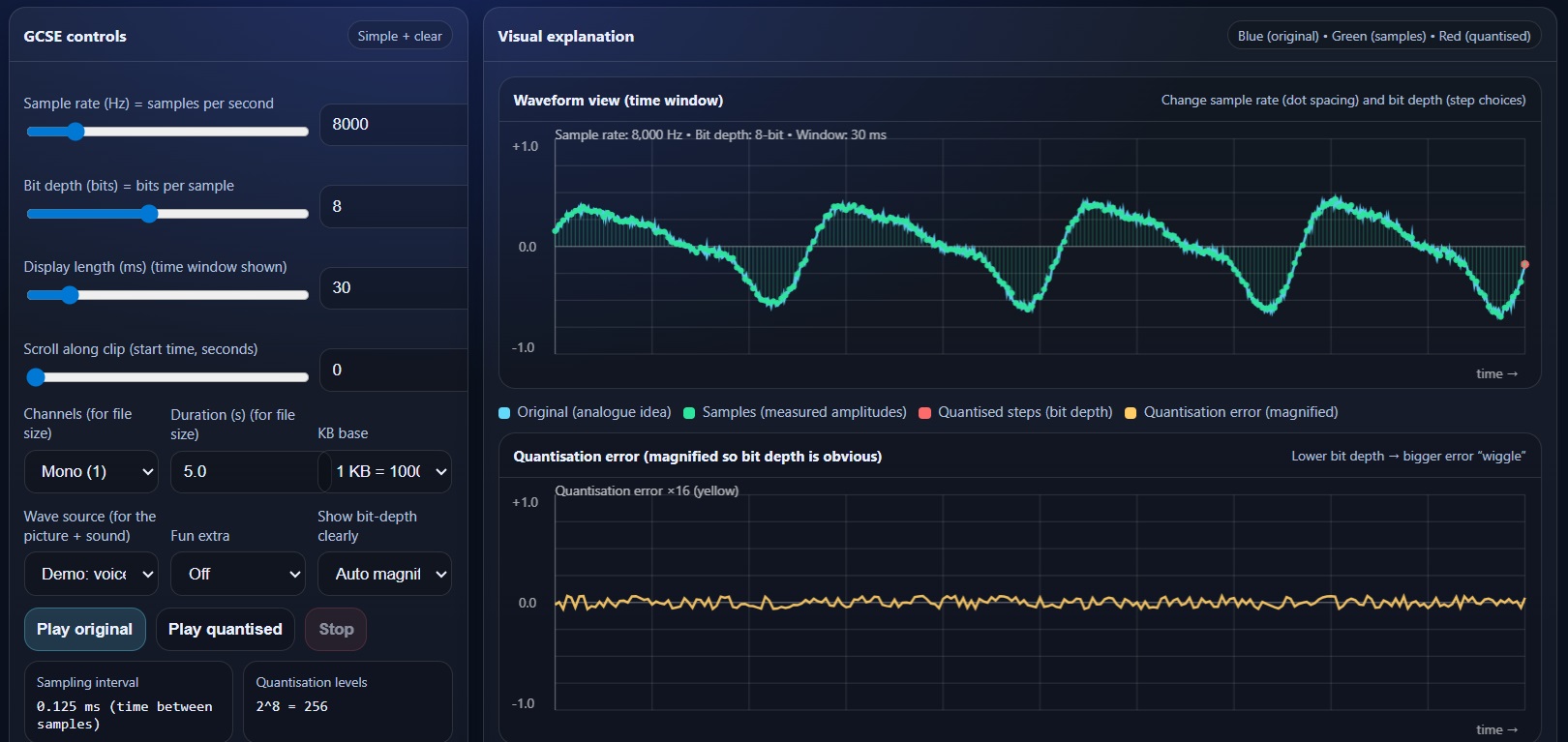
Sound Data Representation Visualiser (Sampling, Sample Rate, Bit Depth + File Size)
A visualiser for OCR GCSE J277 sound data representation. Shows an analogue-style waveform, sampled points (amplitude at regular intervals), and the quantised digital waveform (bit depth). Includes adjustable sample rate, bit depth, time window/scroll, file size calculation, and optional audio playback (original vs quantised) with realistic demo waveforms.
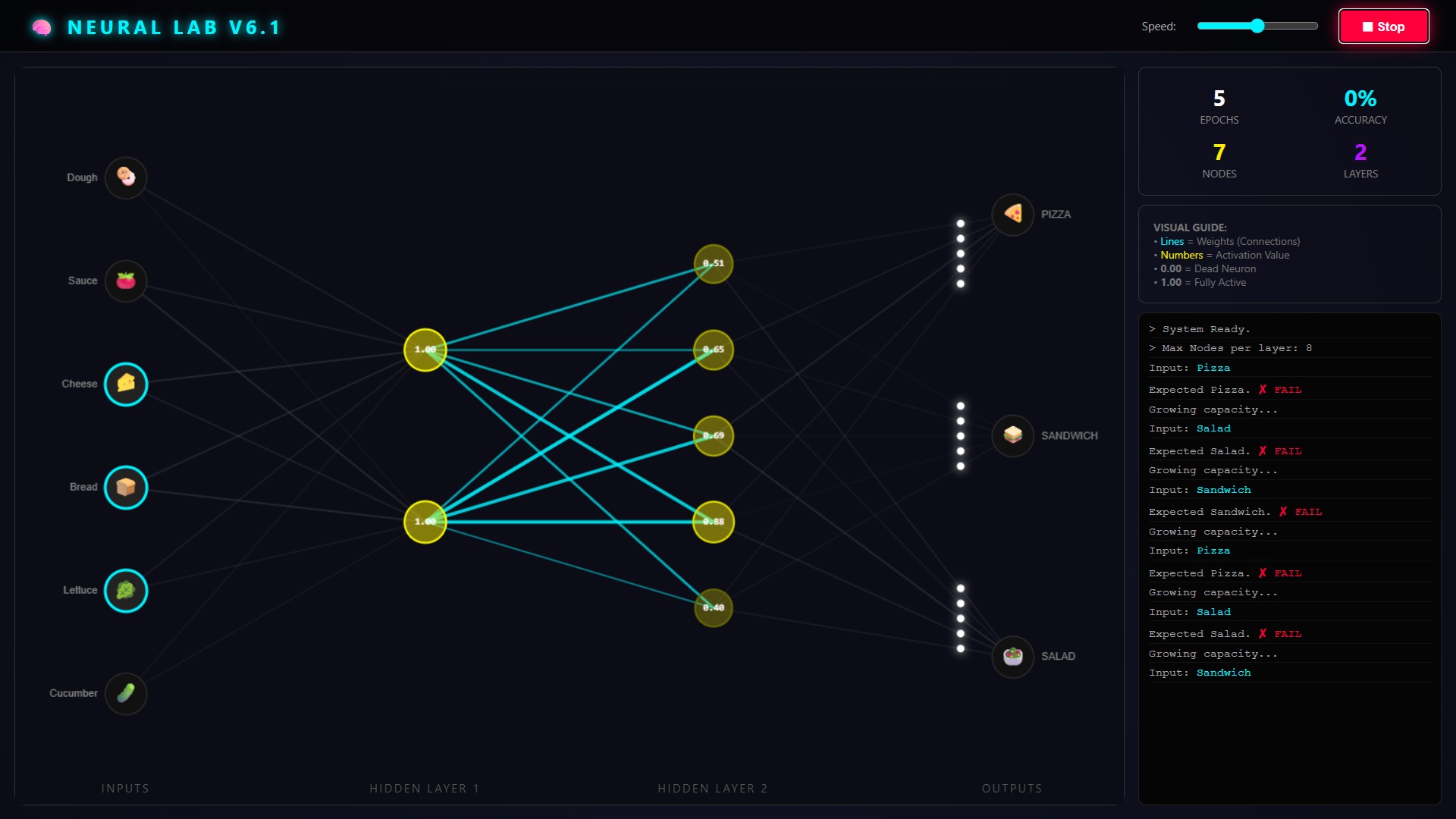
A visual neural network playground where “ingredients” (inputs) flow through two hidden layers to classify pizza / sandwich / salad. Shows activations as numbers, weights as glowing connections, particle “signals” moving through the network, and live stats (epochs, accuracy, nodes/layers).
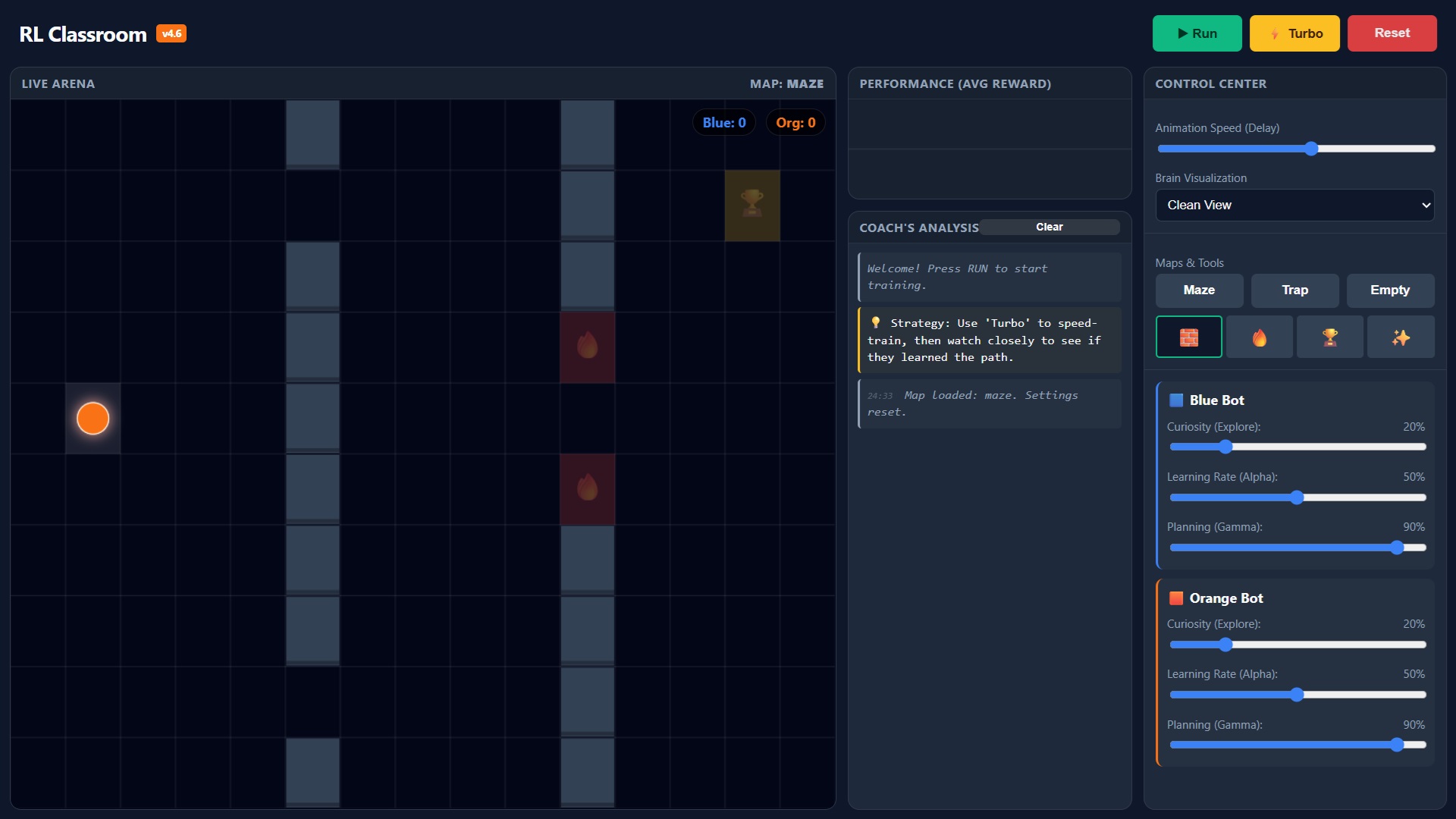
A hands-on reinforcement learning sandbox where two bots learn to reach a goal (and avoid lava) on a grid using Q-learning. Includes live arena, reward chart, “brain” (best-action) visualisation, adjustable ε/α/γ sliders, turbo training, and a simple map painter (walls/lava/goal).